- Advanced Technologies
- Bathroom
- Car Accessories
- Case
- Christmas Collection
- Digital Resources
- Earphones
- Earphones New
- Fashion Accessories
- Financial Education
- Furniture
- Gadgets
- Headphones
- Health & Beauty
- Home & Garden
- Home Supplies
- Kids & Babies
- Lighting
- Mindset & Personal Growth
- Patio, Lawn & Garden
- Pet Supplies
- Pets
- Speaker
- Speaker 10
- Speaker 11
- Speaker 2
- Speaker 3
- Speaker 4
- Speaker 5
- Speaker 6
- Speaker 7
- Speaker 8
- Speaker 9
- Super Deals
- Turnkey Online Businesses
- Wealth Building
- Wellness & Lifestyle
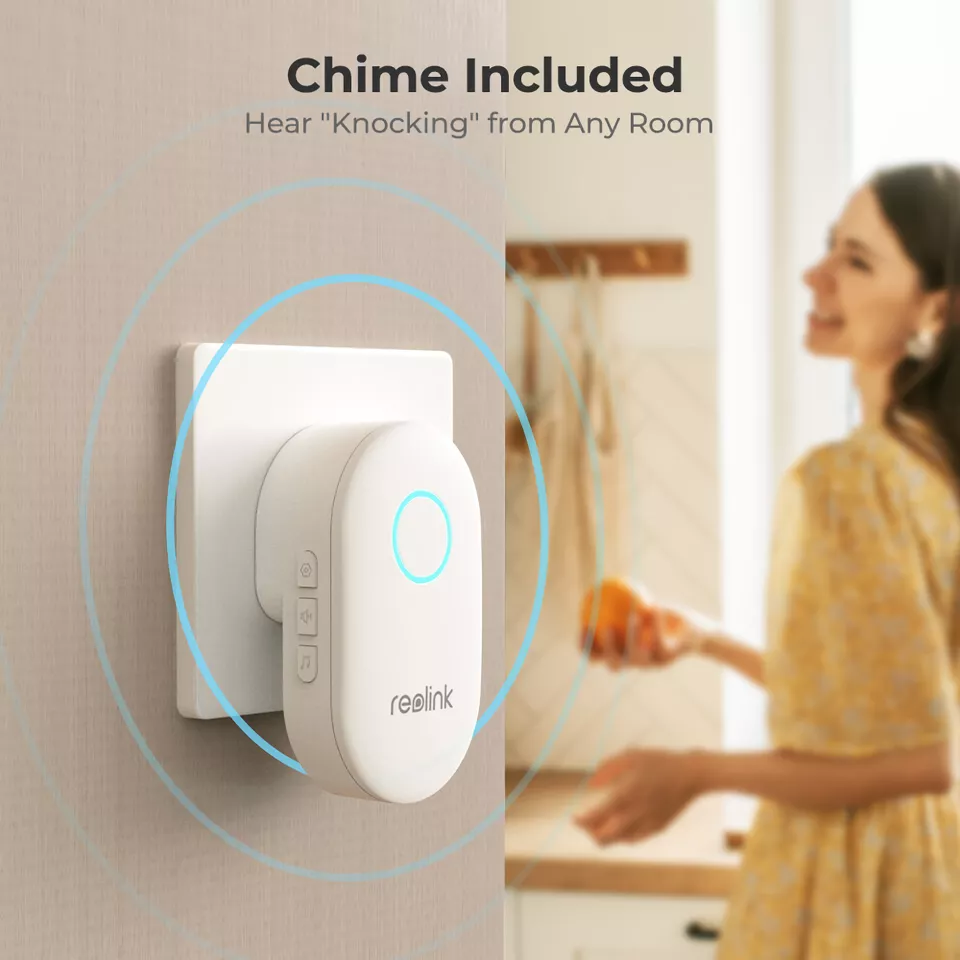
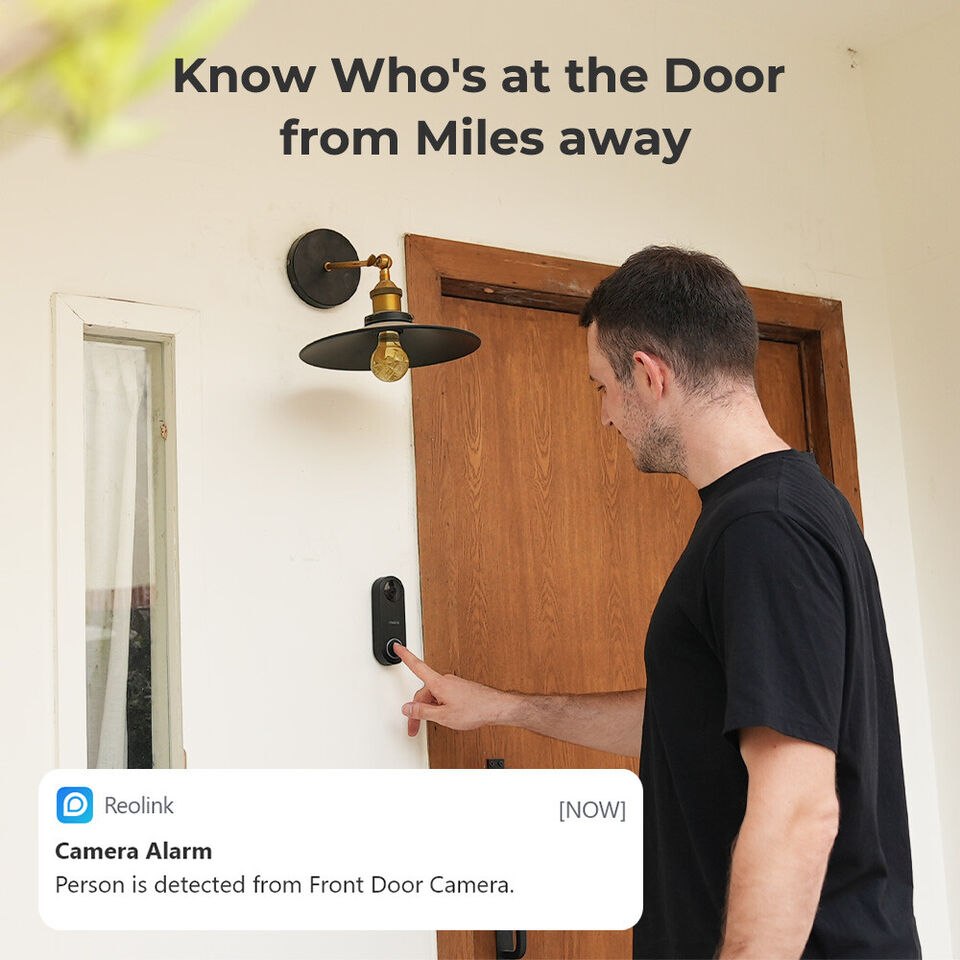

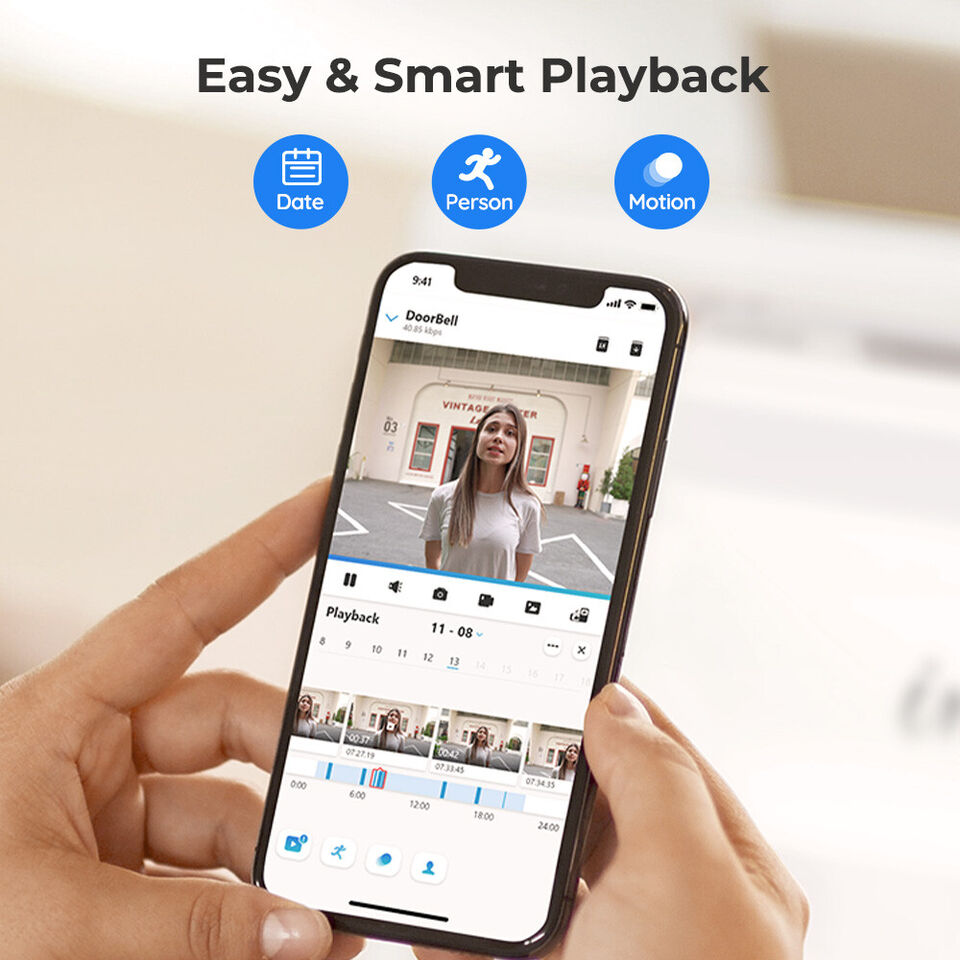
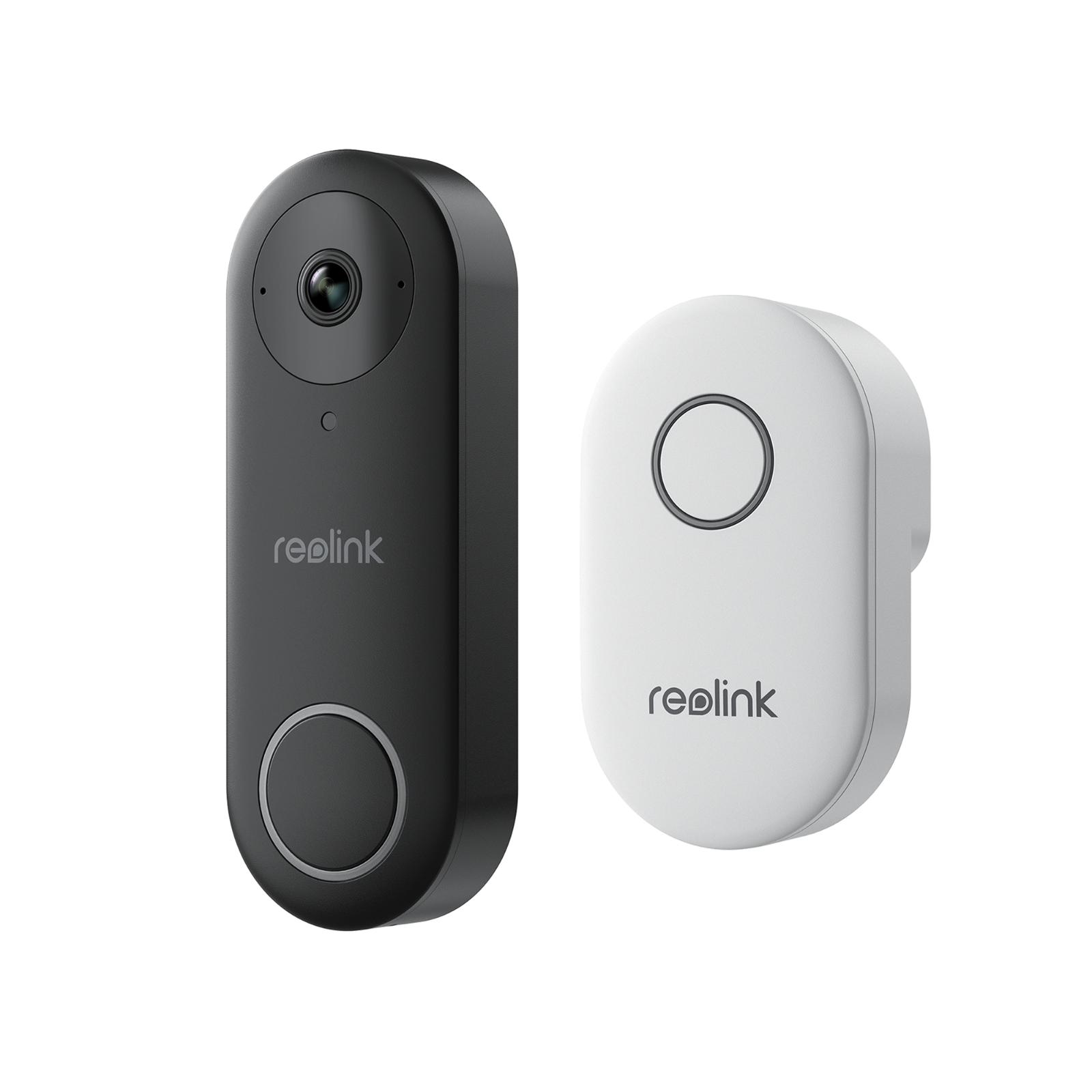
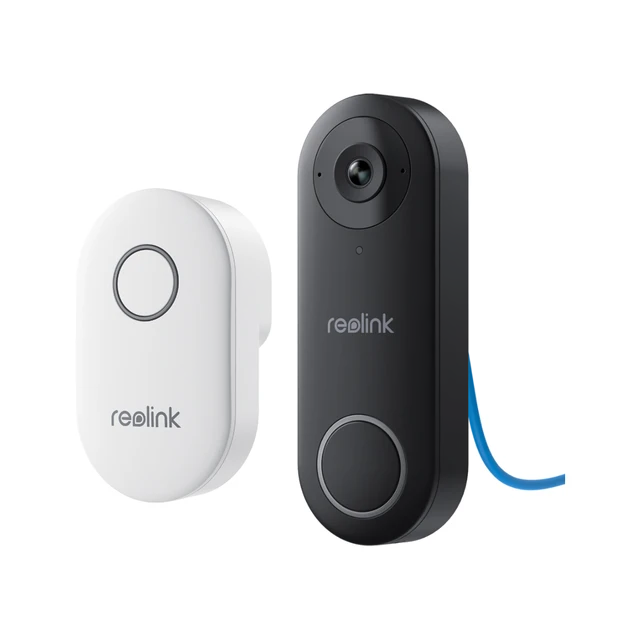
Smart Video Doorbell with Chime, WiFi & PoE, Human Detection, Works with Alexa & Google Assistant
Product Description
Discover Unmatched Security and Convenience
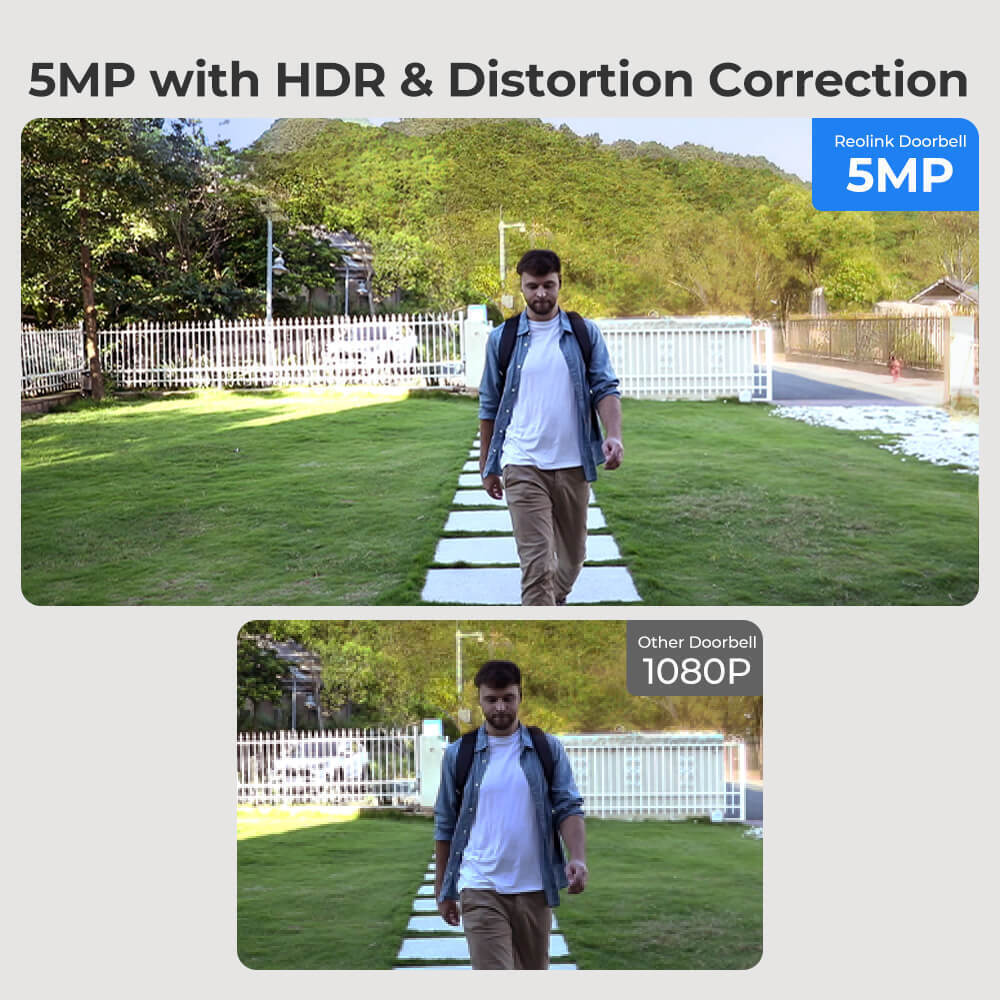
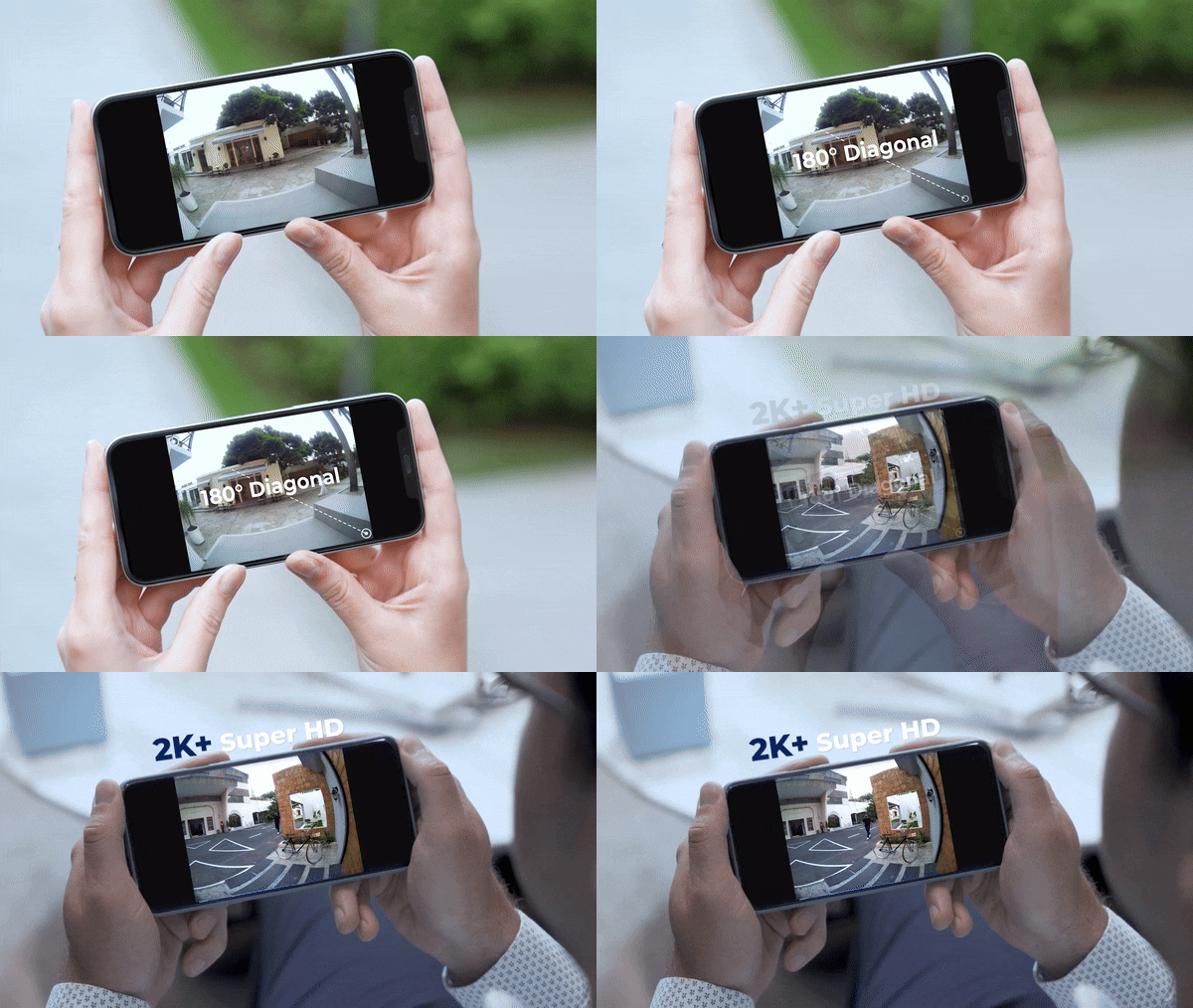
Enhance your home security with a cutting-edge 2K+ Smart Video Doorbell, designed to bring unparalleled clarity and convenience right to your doorstep. This state-of-the-art doorbell system not only captures video in stunning 2K+ resolution but also offers a wide 180° field of view, ensuring you never miss a detail. Whether you’re at home or away, keep a vigilant eye on your front door with features tailored for modern security needs.

Key Features That Stand Out
- Incredible 2K+ Resolution: Capture every detail with a 5MP camera and a broad 180° field of view.
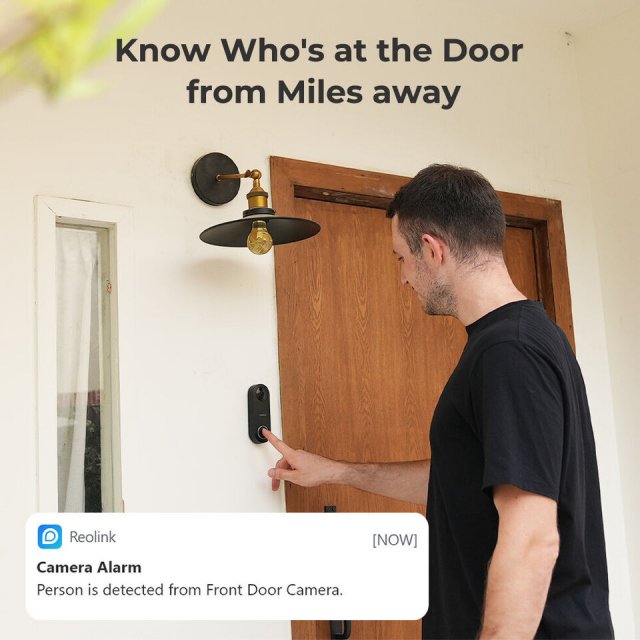
- Smart Human Detection: Receive alerts only when a person is detected, minimizing unnecessary notifications.
- Custom Motion Zones: Focus on the most important areas of your front door and avoid false alarms.
- Night Vision: Keep watch around the clock with high-quality infrared night recording.
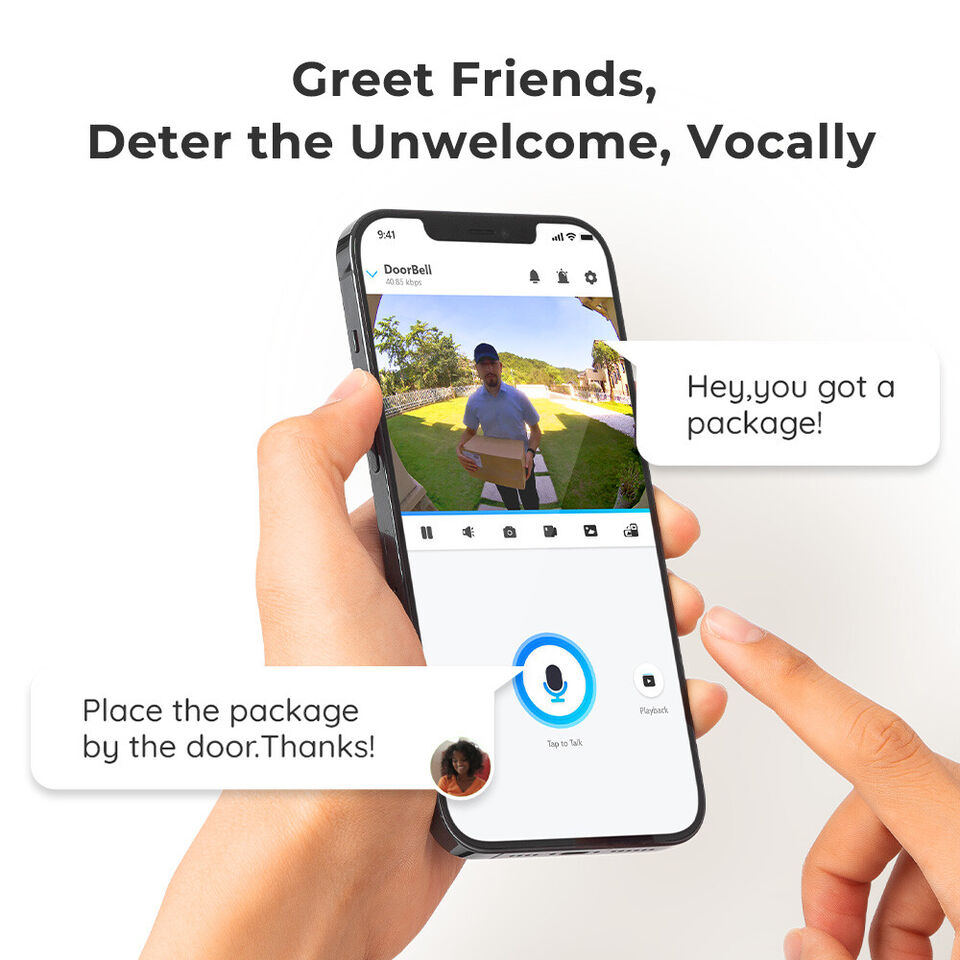
- Two-Way Audio: Communicate with visitors instantly without needing to open the door.
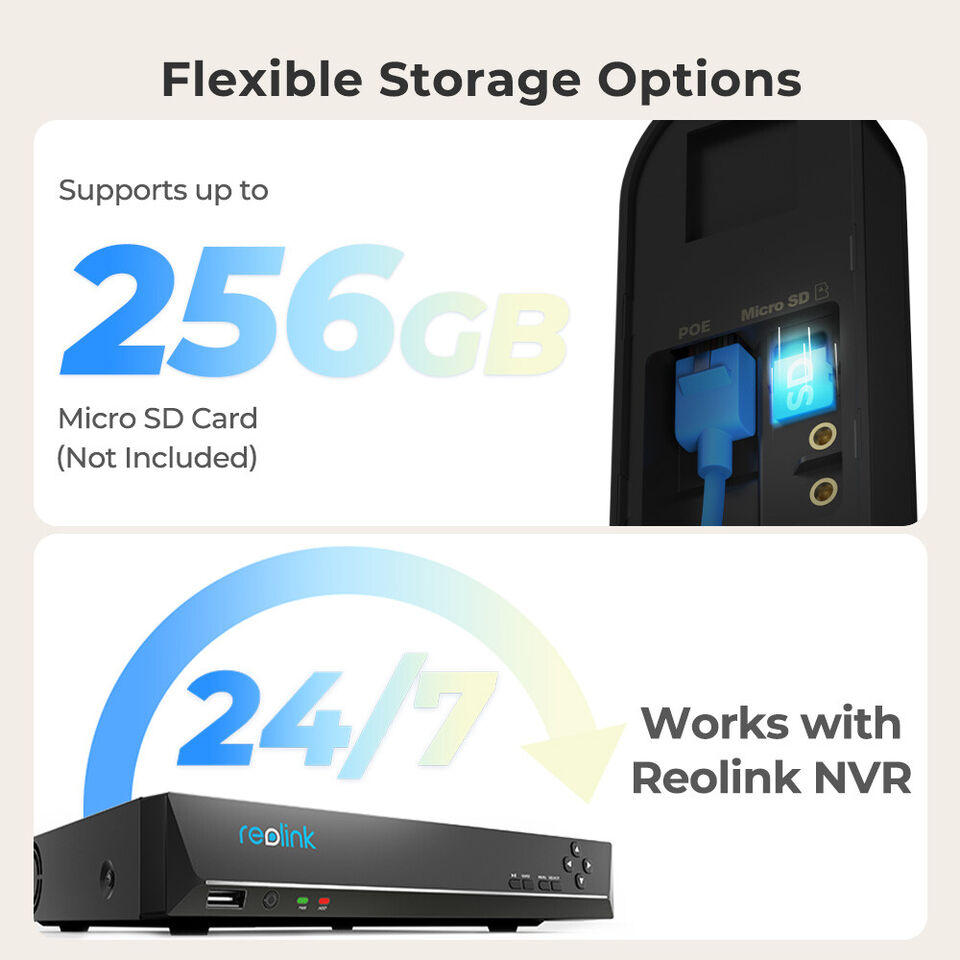
- Flexible Storage Options: Choose between local Micro SD card storage or Reolink NVR integration.
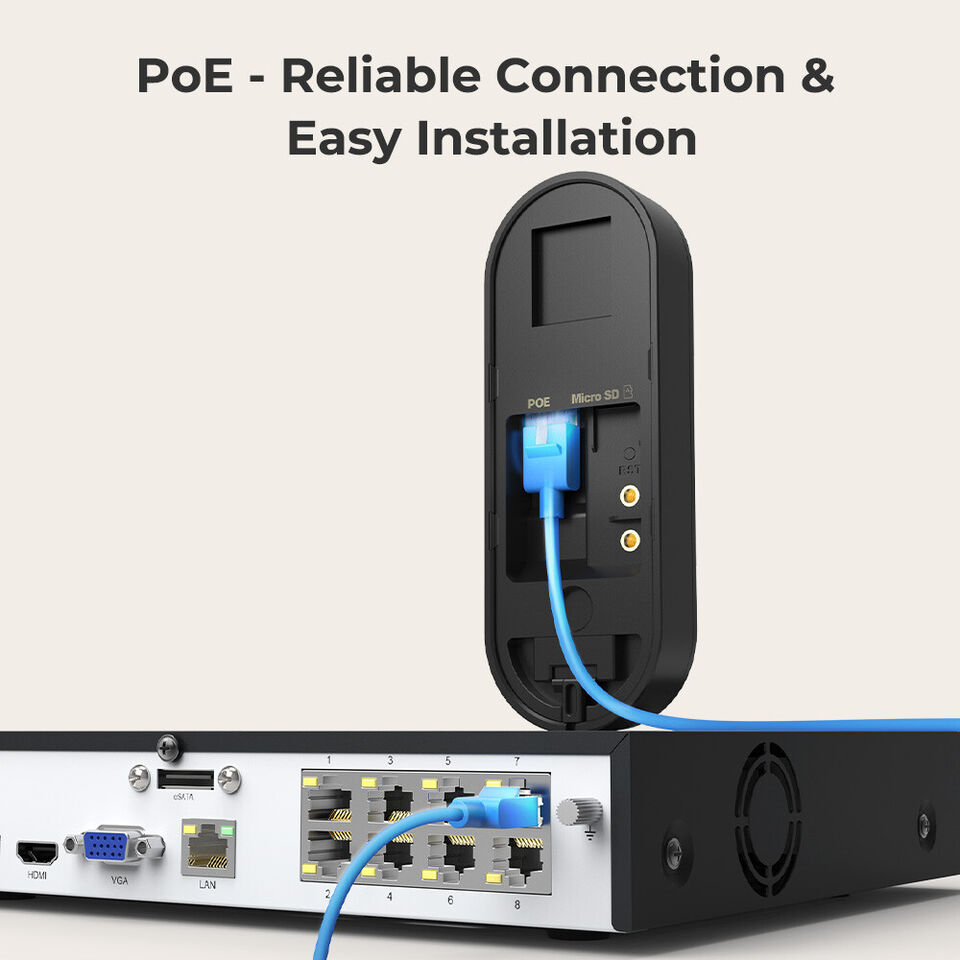
- Easy Installation: Opt for a wireless WiFi connection or a stable PoE setup.
- Weatherproof Design: Rely on your doorbell in any weather condition, rain or shine.
Why Choose This Video Doorbell?
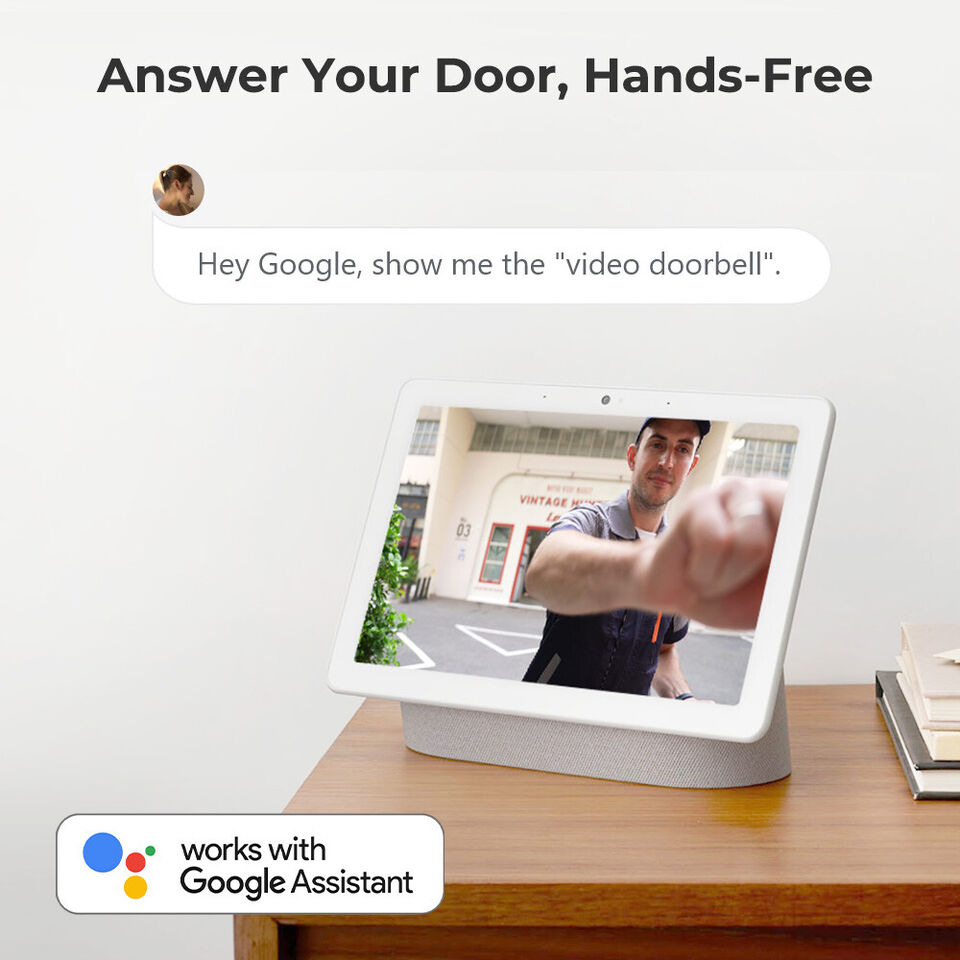
Our 2K+ Smart Video Doorbell is perfect for anyone seeking to upgrade their home security system with the latest technology. Its person detection and custom motion zones ensure you’re only alerted to what matters most, reducing the hassle of false alarms. The doorbell’s superior night vision capabilities mean you can feel secure at all hours, while the two-way audio feature allows for easy communication with guests or potential intruders. With support for Alexa and Google Assistant, you can enjoy hands-free control and real-time monitoring, making it easier than ever to keep your home safe.

Upgrade Your Home Security Today
Don’t wait to secure your home with the clarity, convenience, and advanced features of our 2K+ Smart Video Doorbell. With easy installation options, flexible storage, and robust weatherproof design, it’s the perfect choice for any homeowner. Order now to take the first step towards a safer, more connected home.
Shipping & Payment
We are proud to offer international shipping services that currently operate in over 200 countries and islands world wide. Nothing means more to us than bringing our customers great value and service. We will continue to grow to meet the needs of all our customers, delivering a service beyond all expectation anywhere in the world.
How do you ship packages?
Packages from our warehouse in China will be shipped by ePacket or EMS depending on the weight and size of the product. Packages shipped from our US warehouse are shipped through USPS.
Do you ship worldwide?
Yes. We provide free shipping to over 200 countries around the world. However, there are some locations we are unable to ship to. If you happen to be located in one of those countries we will contact you.
What about customs?
We are not responsible for any custom fees once the items have shipped. By purchasing our products, you consent that one or more packages may be shipped to you and may get custom fees when they arrive to your country.
How long does shipping take?
Shipping time varies by location. These are our estimates:
| Location | *Estimated Shipping Time |
| United States | 10-30 Business days |
| Canada, Europe | 10-30 Business days |
| Australia, New Zealand | 10-30 Business days |
| Central & South America | 15-30 Business days |
| Asia | 10-20 Business days |
| Africa | 15-45 Business days |
Do you provide tracking information?
Yes, you will receive an email once your order ships that contains your tracking information. If you haven’t received tracking info within 5 days, please contact us.
My tracking says “no information available at the moment”.
For some shipping companies, it takes 2-5 business days for the tracking information to update on the system. If your order was placed more than 5 business days ago and there is still no information on your tracking number, please contact us.
Will my items be sent in one package?
For logistical reasons, items in the same purchase will sometimes be sent in separate packages, even if you've specified combined shipping.
If you have any other questions, please contact us and we will do our best to help you out.
Refunds & Returns
Order cancellation
All orders can be cancelled until they are shipped. If your order has been paid and you need to make a change or cancel an order, you must contact us within 12 hours. Once the packaging and shipping process has started, it can no longer be cancelled.
Refunds
Your satisfaction is our #1 priority. Therefore, you can request a refund or reshipment for ordered products if:
- If you did not receive the product within the guaranteed time( 45 days not including 2-5 day processing) you can request a refund or a reshipment.
- If you received the wrong item you can request a refund or a reshipment.
- If you do not want the product you’ve received you may request a refund but you must return the item at your expense and the item must be unused.
We do not issue the refund if:
- Your order did not arrive due to factors within your control (i.e. providing the wrong shipping address)
- Your order did not arrive due to exceptional circumstances outside the control of testpunk.com (i.e. not cleared by customs, delayed by a natural disaster).
- Other exceptional circumstances outside the control of https://testpunk.com
*You can submit refund requests within 15 days after the guaranteed period for delivery (45 days) has expired. You can do it by sending a message on Contact Us page
If you are approved for a refund, then your refund will be processed, and a credit will automatically be applied to your credit card or original method of payment, within 14 days.
Exchanges
If for any reason you would like to exchange your product, perhaps for a different size in clothing. You must contact us first and we will guide you through the steps.
Please do not send your purchase back to us unless we authorise you to do so.
Customer Reviews
See why hundreds love this product and trust us
Based on 59 reviews
Photos from reviews
See More Photos
Had to tweak some settings in the advanced properties to get it working with BlueIris, but once that was done, setup was a breeze. Ended up turning off the night vision and keeping it in color all the time.
Had a bit of a hiccup with the chime not staying connected initially, but moving it sorted that out. Switched from a Nest doorbell, and this one's image quality is superior, plus no reliance on cloud storage.
Installation was straightforward, and it's been rock solid connected to my PC running Blue Iris. No connection issues whatsoever since I set it up.
This one hooked up easily to my existing doorbell wiring, making installation a breeze. The video is super clear, and I love getting motion alerts. Ended up buying a second one because I liked it so much, and the lack of a subscription requirement is a huge plus.
My old doorbell was on its last legs, and switching to this camera doorbell has been fantastic. Its sleek design matches my home, setup was easy, and the video quality is spot on, ensuring clear images day and night. Still getting the hang of the motion detection, but it's looking good so far.
So we just got new siding on our place, and when it was time to put the old front door camera back up, I managed to convince the missus to let me switch to this Reolink model. Wanted something that'd work smoothly with HomeAssistant and our other Reolink security cams. The video quality is top-notch, motion and person detection are spot-on, and I can send videos straight to my own server. No need to deal with cloud subscriptions. Big thumbs up for this doorbell cam. Definitely recommend it.
Wasn't keen on being tied to one brand, but the app is super user-friendly. I mainly use BlueIris and other third-party software for my camera feeds, and this fits right in. It's got a solid web interface too. The included power supply was a rare find compared to other doorbell cams, and the replacement chime has a great range with lots of tunes to choose from. If you hate monthly fees, this is the doorbell cam for you.
Got this to dodge those Ring subscription fees. You don't need a subscription to watch live or store clips locally on an SD card. Hooked it up to Home Assistant for motion notification snapshots.
Just installed this REOLINK WiFi doorbell and I'm already a big fan. Clear picture, simple installation, and seamless setup with the app on both Android and iPhone. Connecting to Blue Iris was a breeze after tweaking a few settings. Really appreciate the wiring options included, making the install smoother. Plus, the price point is just right.
Hey folks, just dropping a quick tip about the Reolink DoorBell. Out of the box, it's great, but there's a little snag Reolink doesn't tell you about. When you try to set it up for RTSP ONVIF through something like Blue Iris, you might hit a wall because the doorbell's IP isn't giving you RTSP, ONVIF, or browser access. Might think it's busted, but nah, Reolink just wants you to use their PC App to enable those features. You gotta install their PC Client, add the camera, and then dive into the settings. It's a bit of digging through menus—camera list, gear icon, Network settings, then Advanced, and finally, Network Ports. That's where you'll find the options for RTSP, ONVIF, and HTML. Tick those boxes, and you're golden for NVR and browser access. Hit up Reolink's site for the download. Catch you later!